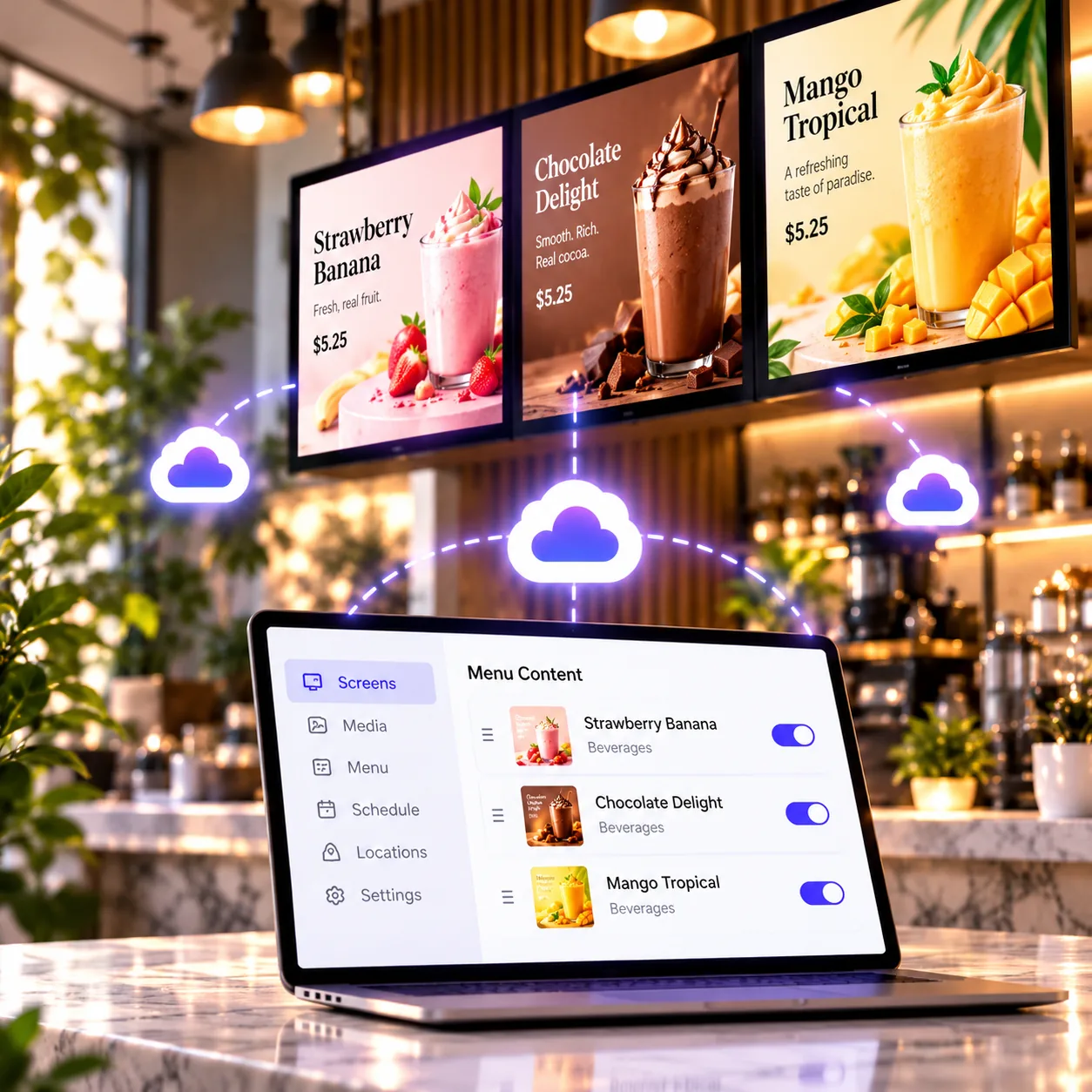
01 / Publish
Real-time updates
Change a price or swap an item from your dashboard or phone, and your screens pick it up on their own — no USB stick, no trip to the store.

Explore the tools that help your business keep menu boards current and beautifully presented.
Change a price or swap an item from your dashboard or phone, and your screens pick it up on their own — no USB stick, no trip to the store.
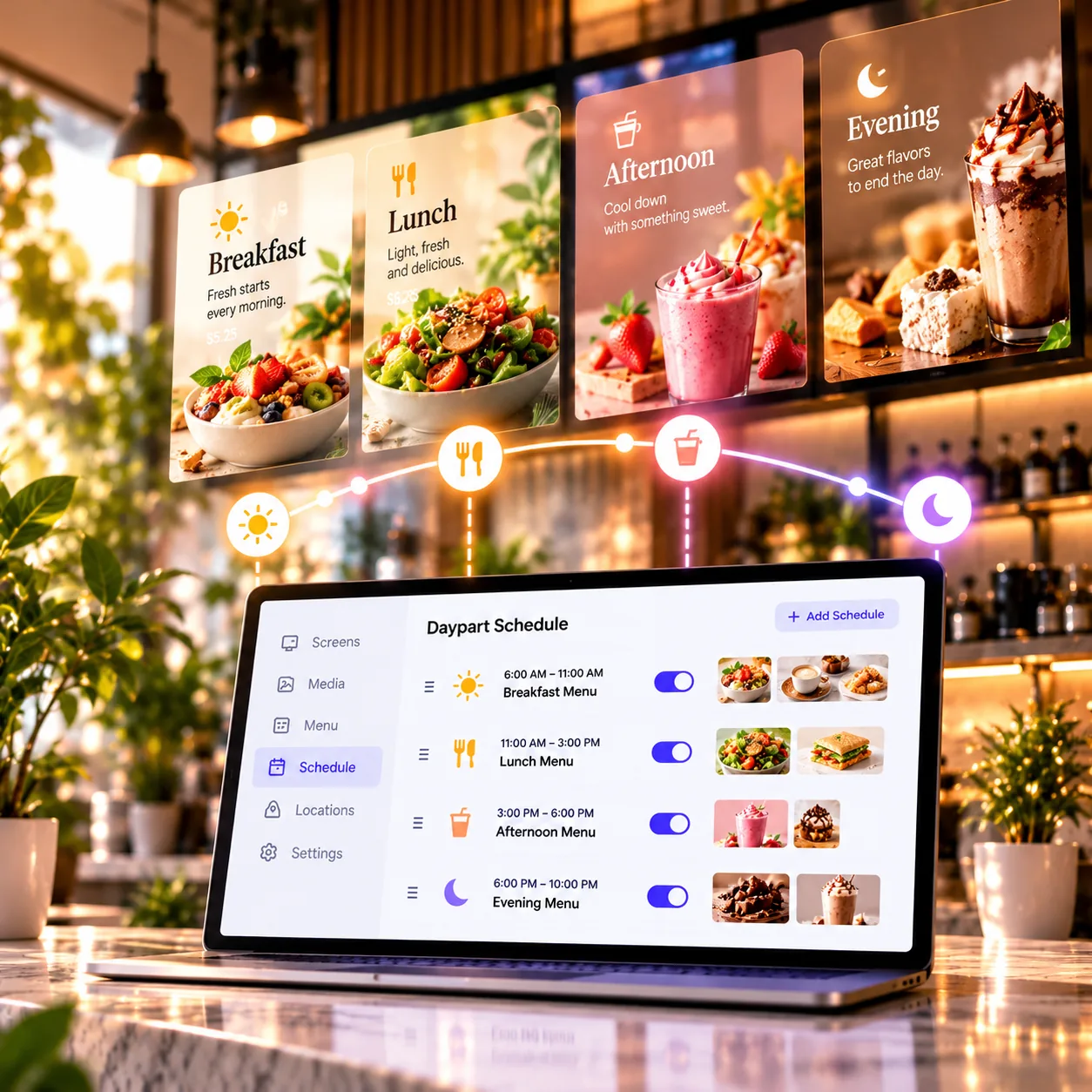
Set breakfast, lunch and evening menus once. Each screen switches playlists at the times you choose, every day.
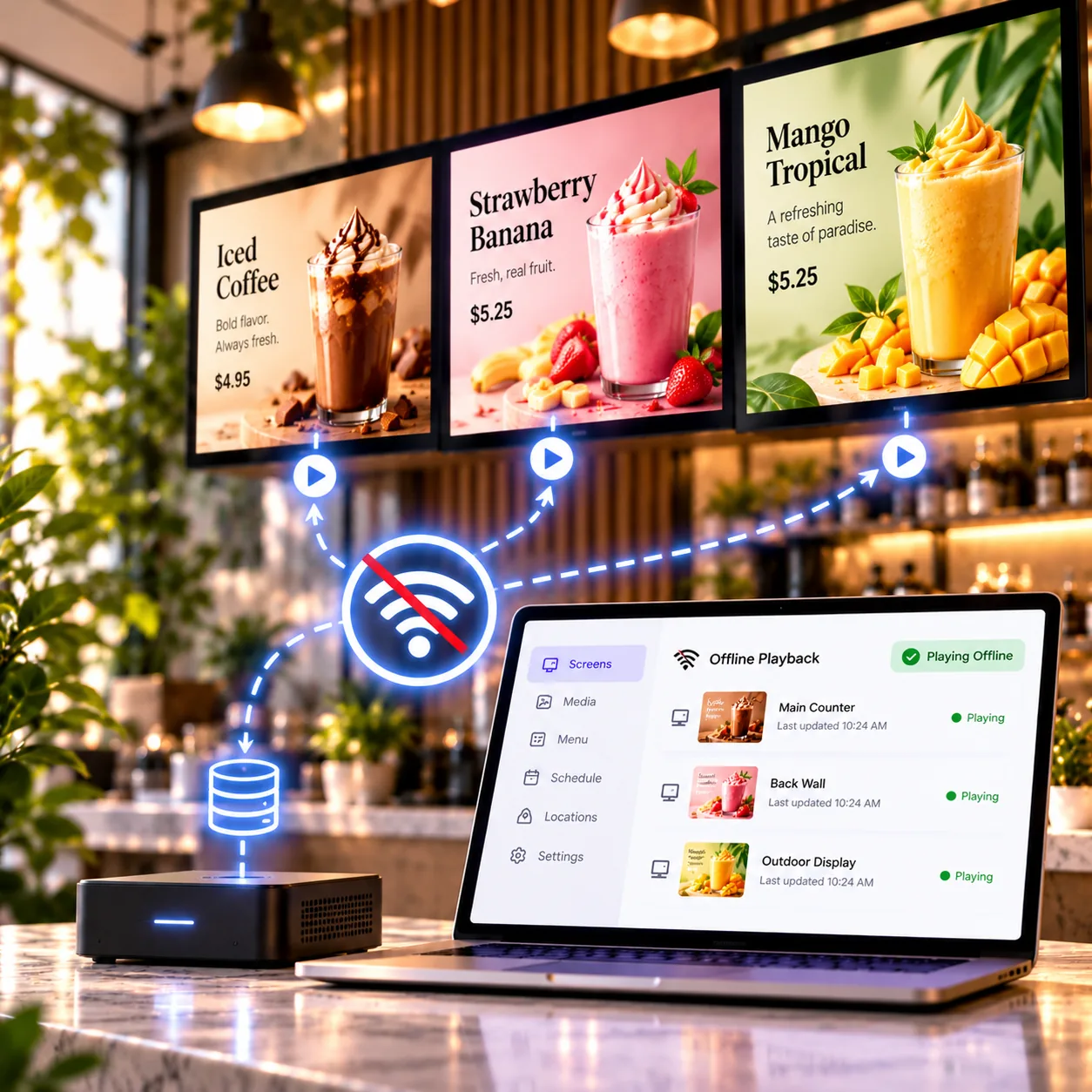
Your content is stored on the player, so the board keeps running through an internet outage and catches up once it is back.
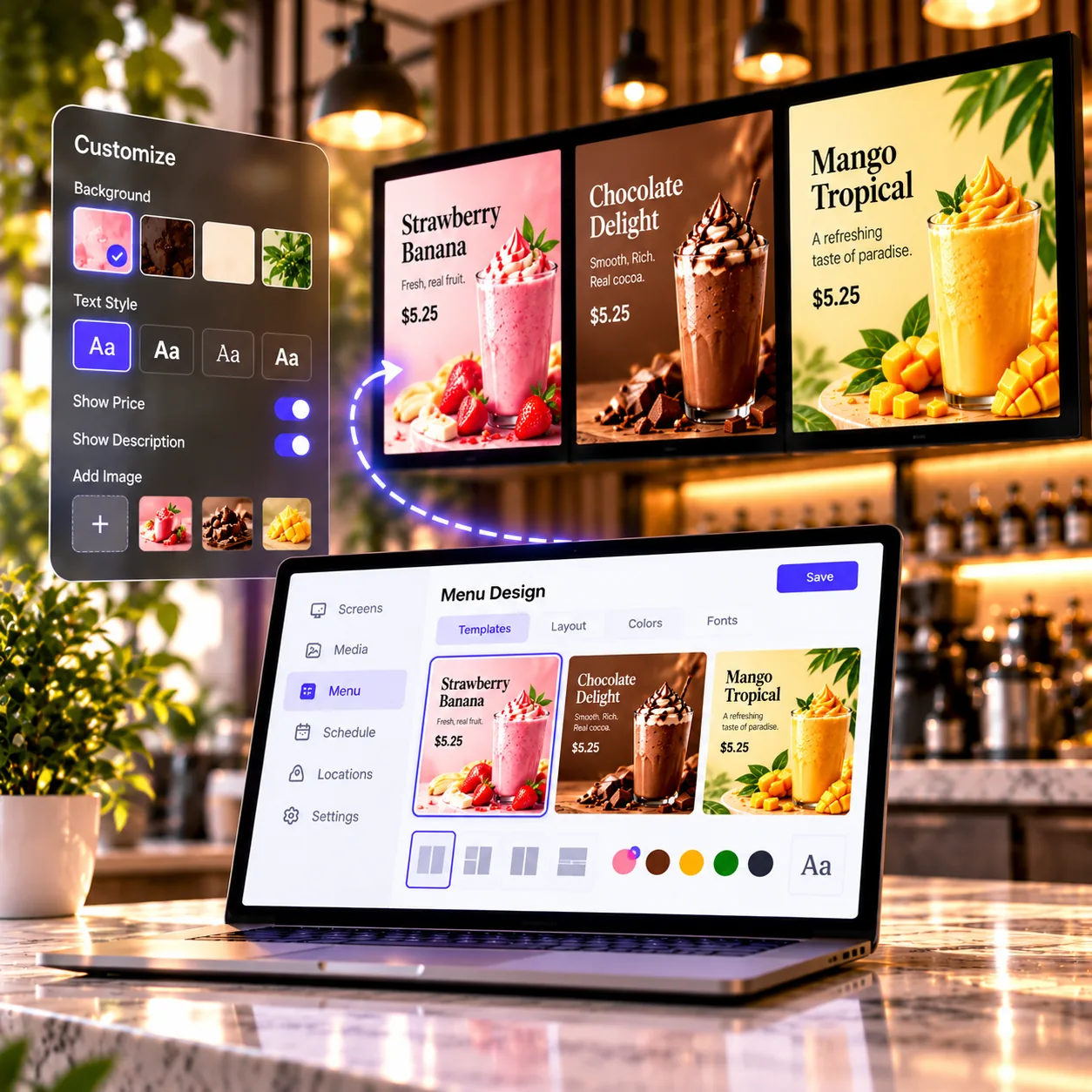
Build a board in the browser from ready-made templates — your photos, fonts and colours, plus QR codes for ordering, reviews or guest Wi-Fi.
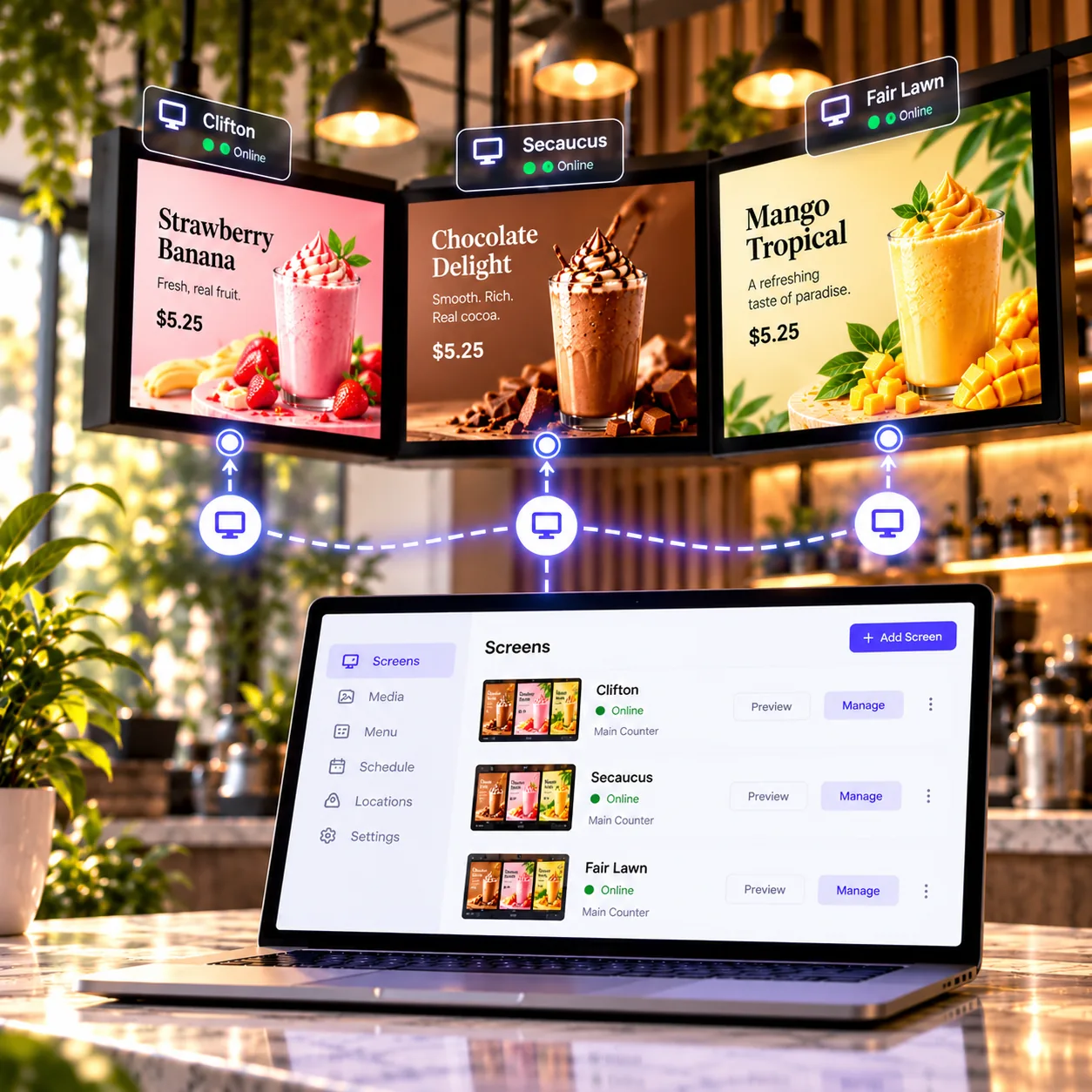
See which screens are online, what each one is playing right now, and a picture of the board itself without leaving the dashboard.
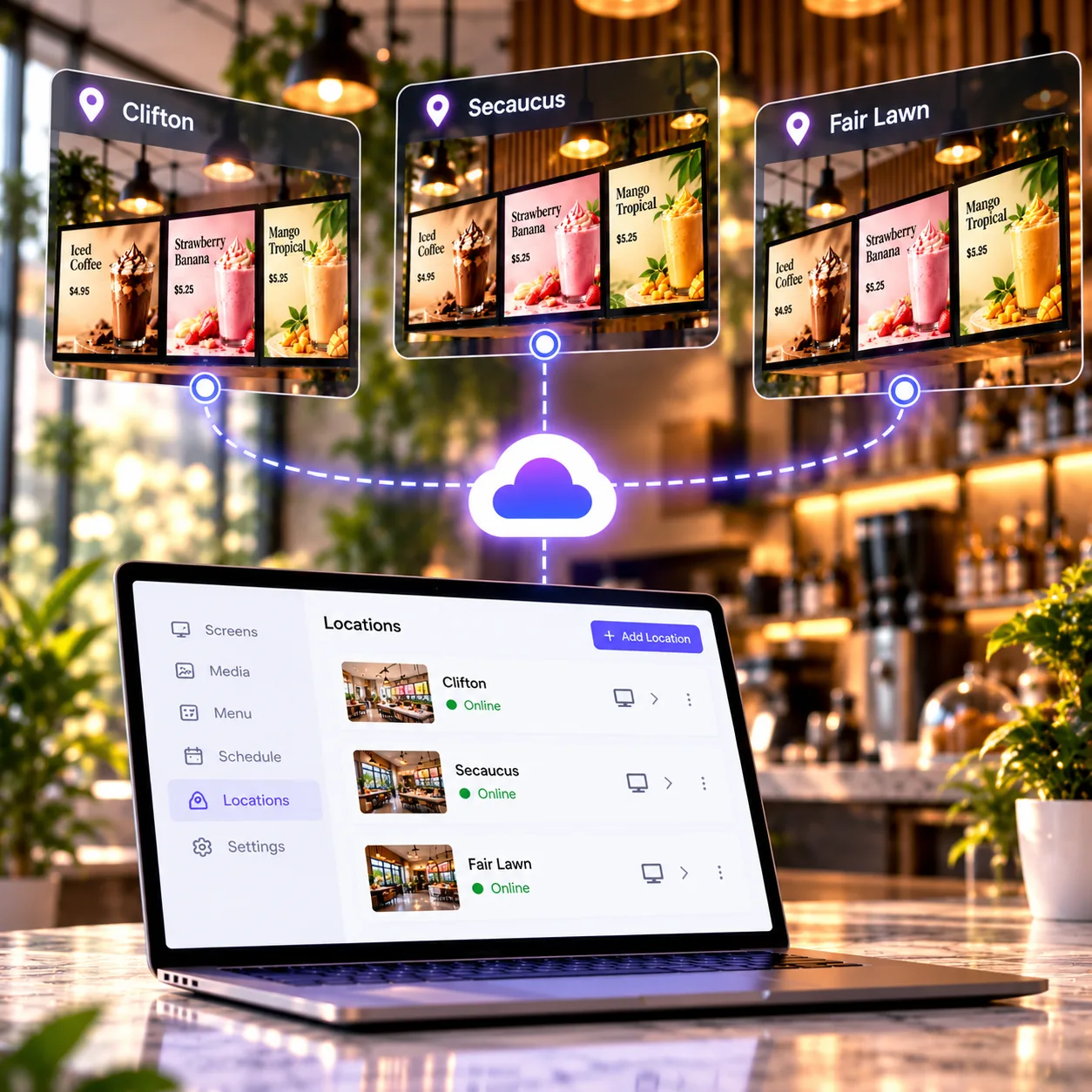
Group screens by store, reuse playlists across sites and give your team their own logins as you add locations.
Try a daypart:
Illustrative demo; changes are local to this page.