Open your dashboard
Sign in from any browser — phone, tablet or laptop. It's all in one place.

No IT team. No complicated setup. We come to you, get your boards live, and walk your team through exactly how to run them — start to finish. From there you handle everything from your phone or laptop: change a price, swap a promo, set your dayparts. If something ever looks off, you call us — not a help desk — and a real person picks up.
Build your boards in the Menu Designer — or have us design them for you — then we come get your screens running and walk your team through it. No IT staff, no installer visit to arrange.
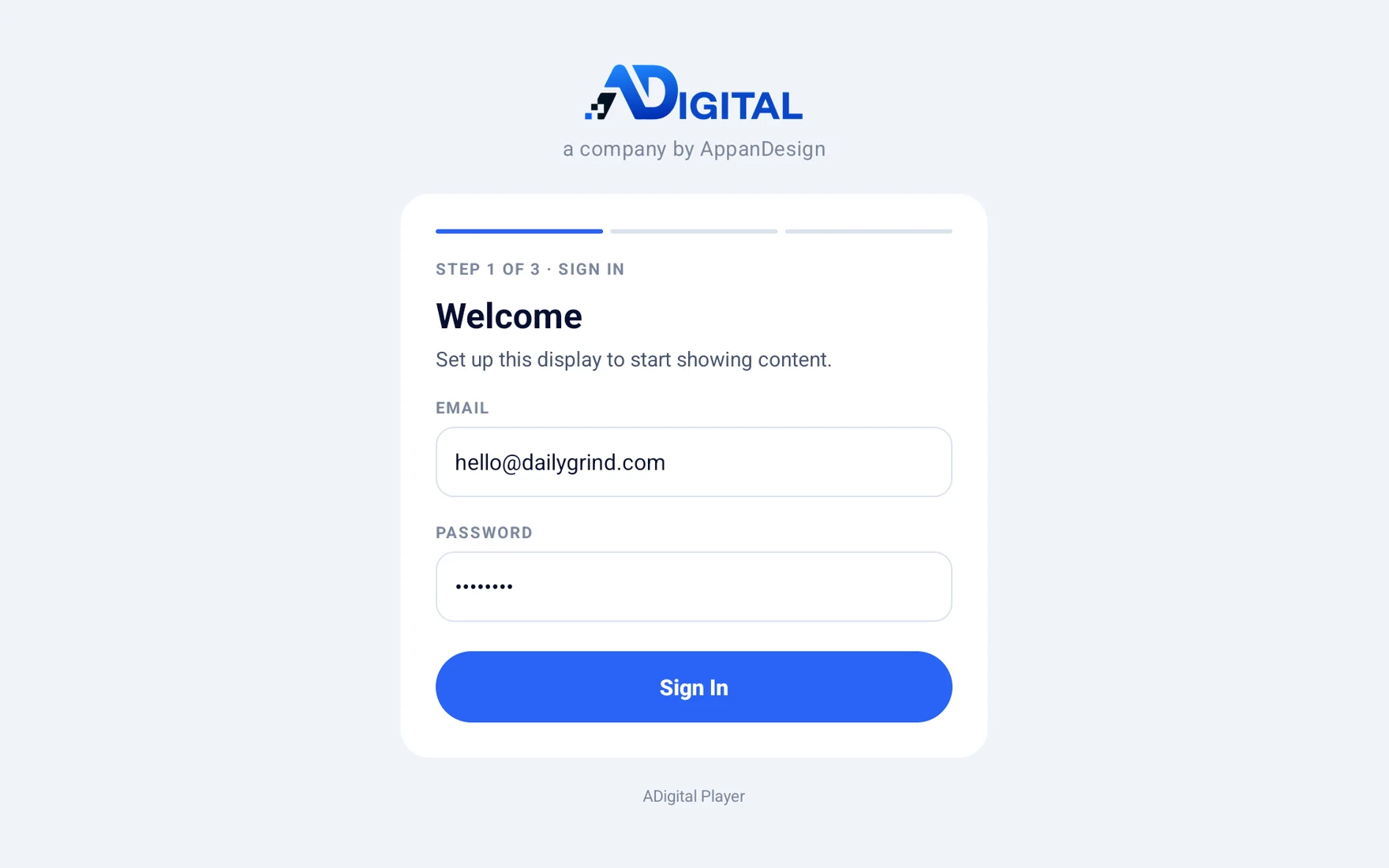
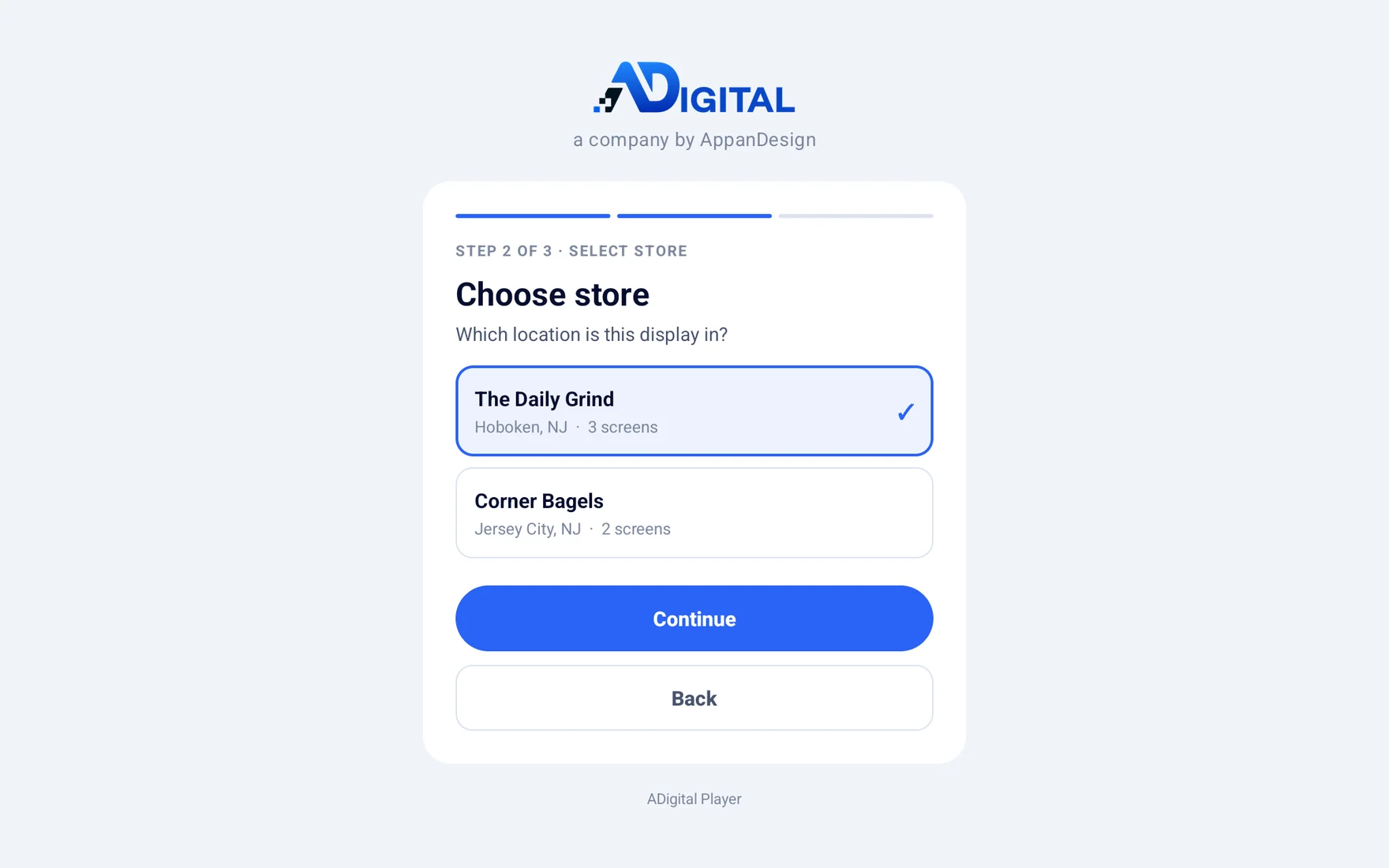
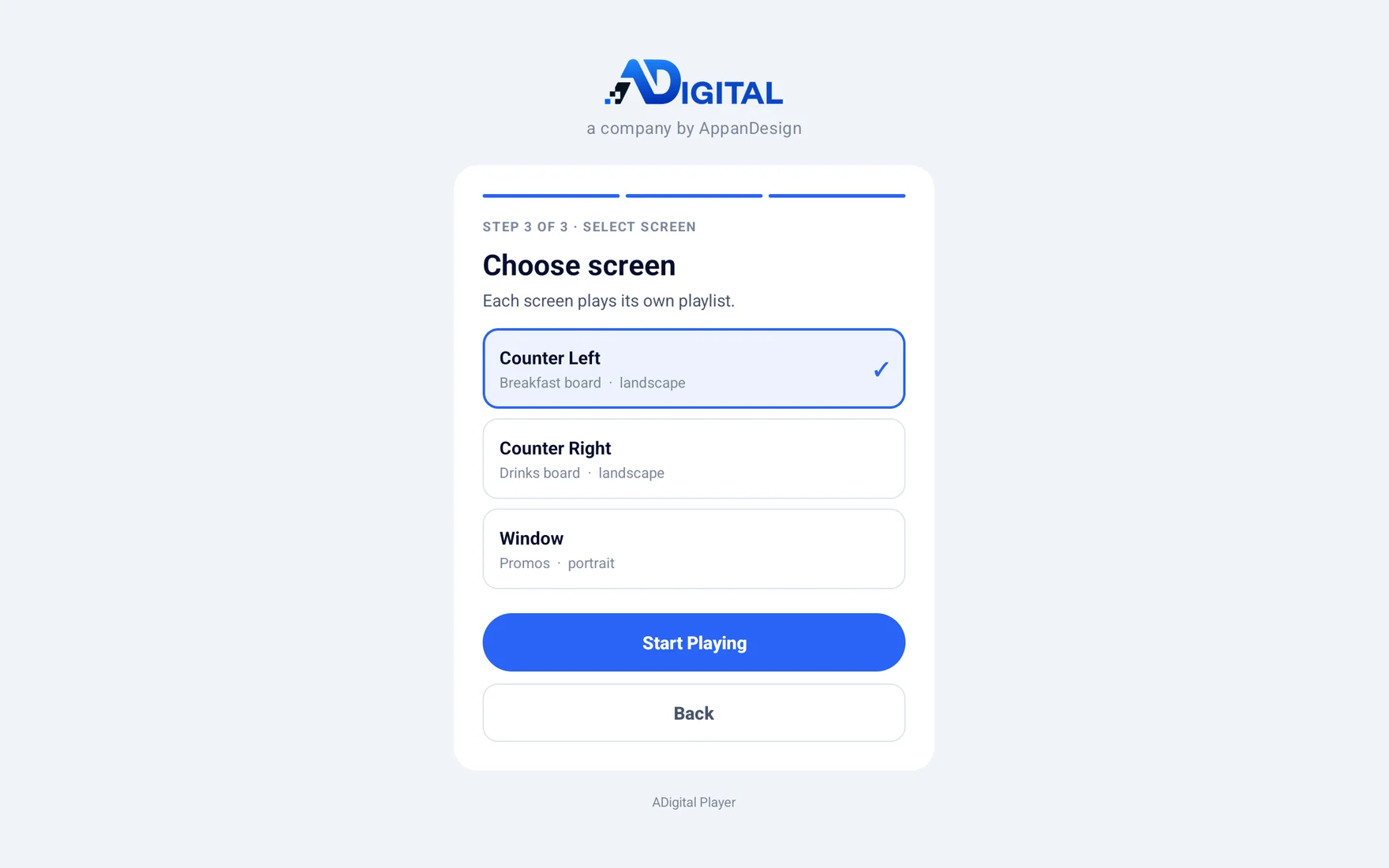
Change a price or flag an item sold out — screens pick it up in seconds. Everything happens in a browser, from your phone or laptop.
Lose the connection and the board runs from cache, then syncs on return. We host the platform, keep it updated, and answer when something looks off — not a help desk.
Watch a menu board come together in the Menu Designer — pick a template, edit your items, set fonts and colours, then push it live. No design software, no waiting.
Sign in from any browser — phone, tablet or laptop. It's all in one place.
Start from a template, then edit text, prices, fonts, colours and layout.
One tap saves the finished board to your media library, ready to use.
Add it to any screen and it goes live in seconds. Change it anytime.
Upload the files you already have — a photo, a promo graphic, a video loop — or design a board from scratch. Drop them into your media library and add them to any screen.
Photos, promo graphics and finished menu boards. Animated GIFs play on a loop.
Promo clips and looping background video. MP4 (H.264) plays reliably on every player.
Boards built in the Menu Designer save straight to your media library — no file to upload at all.
Sized for your screens. For the sharpest picture we recommend 1920×1080 for landscape boards and 1080×1920 for portrait. Not sure about a file? Send it over and we'll check it.
Set your dayparts once and the schedule runs automatically, every day, on every screen you assigned it to.
See schedulingThe boards run on a small commercial Android player, bought separately. We recommend the right model, get it configured, and set it up with your team on-site. Any Android 8+ player with HDMI works — including an Android TV you already own.
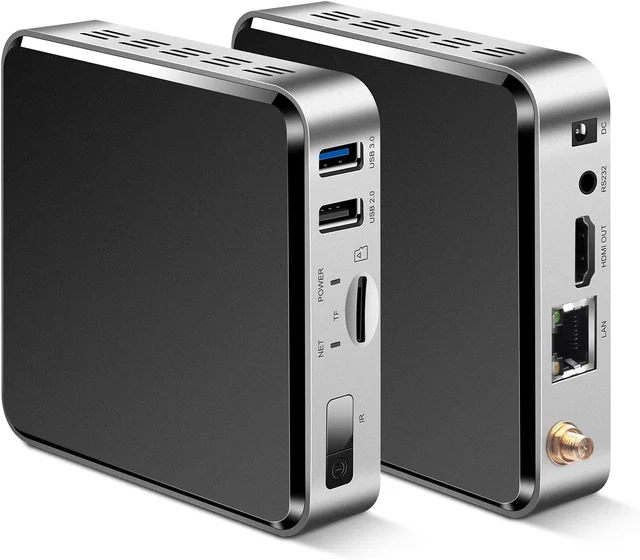
Fanless commercial player — metal case, Ethernet, built to run 24/7. Our pick for most screens.
View on Amazon ↗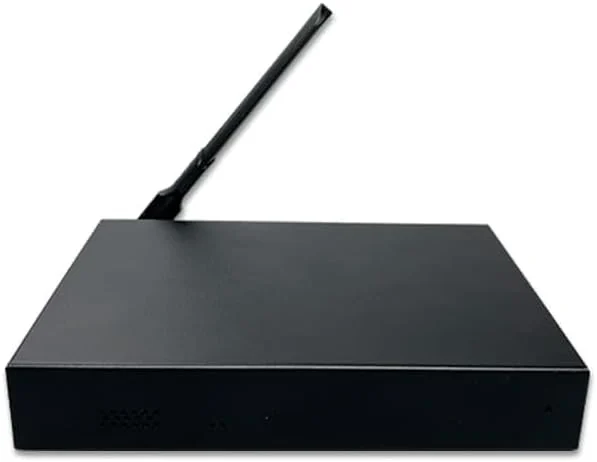
Metal-box player with more memory and built-in on/off scheduling. Good for content-heavy boards.
View on Amazon ↗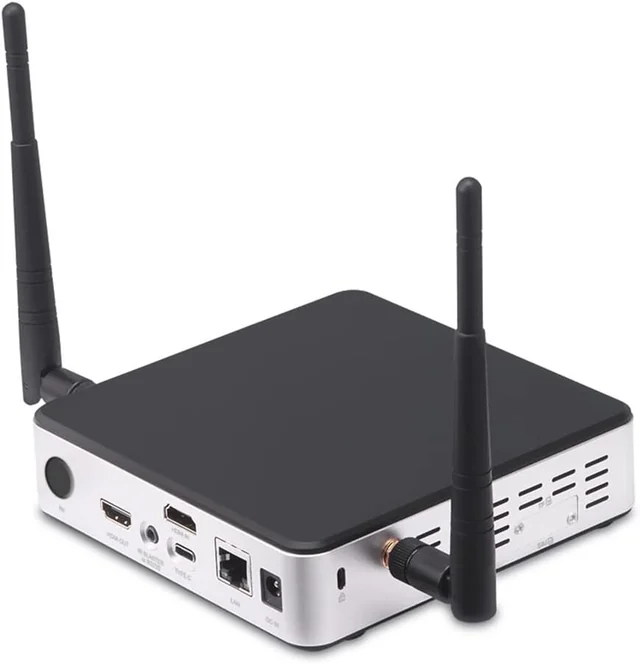
Industrial hexa-core player — the most powerful, for demanding menu walls and multi-zone layouts.
View on Amazon ↗Since the player runs on Android TV, a small streaming device works for a single board or a trial. They aren't built to run 24/7 the way the commercial players above are, so we still recommend those for screens that stay on all day.
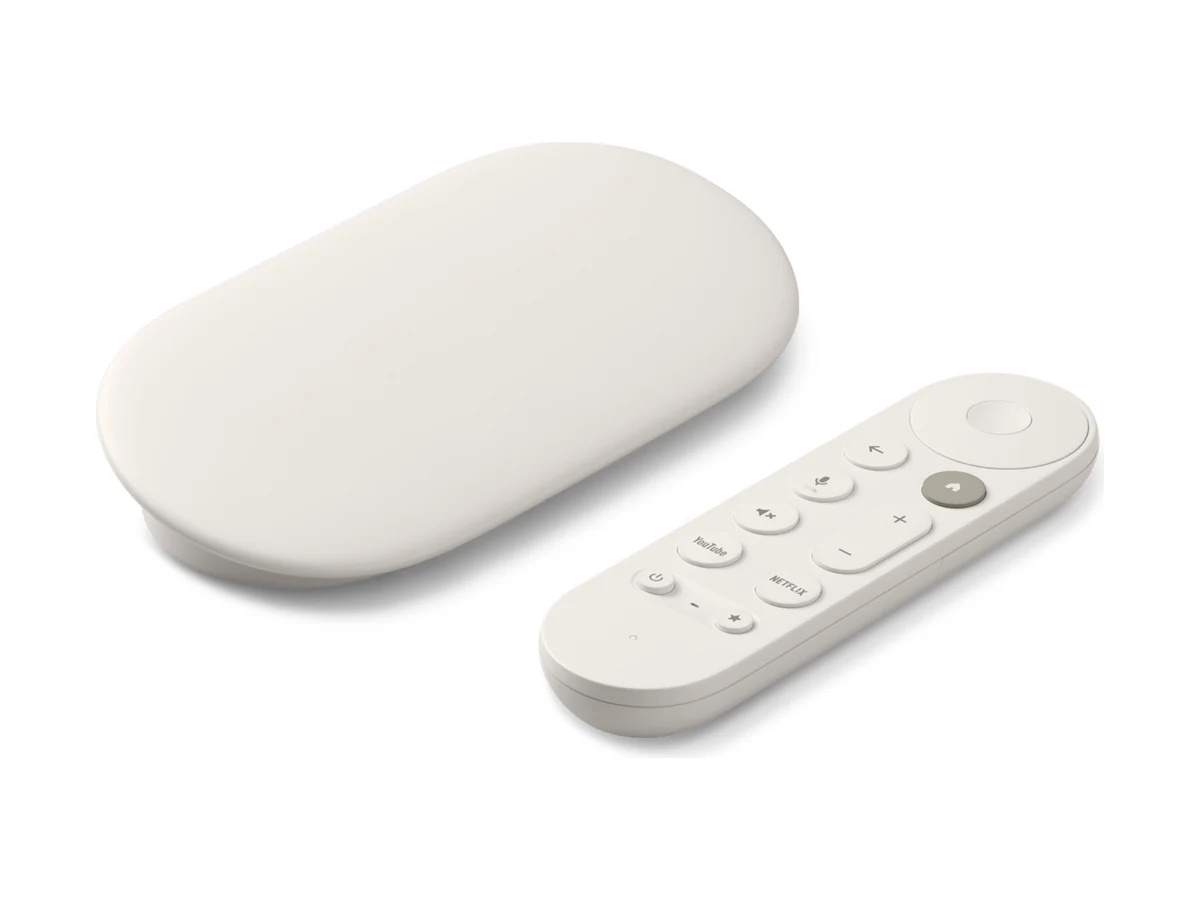
Google's current streaming device — 4K, 32 GB storage and an Ethernet port on the power adapter. The most future-proof of the small players.
$99.99View at Google Store ↗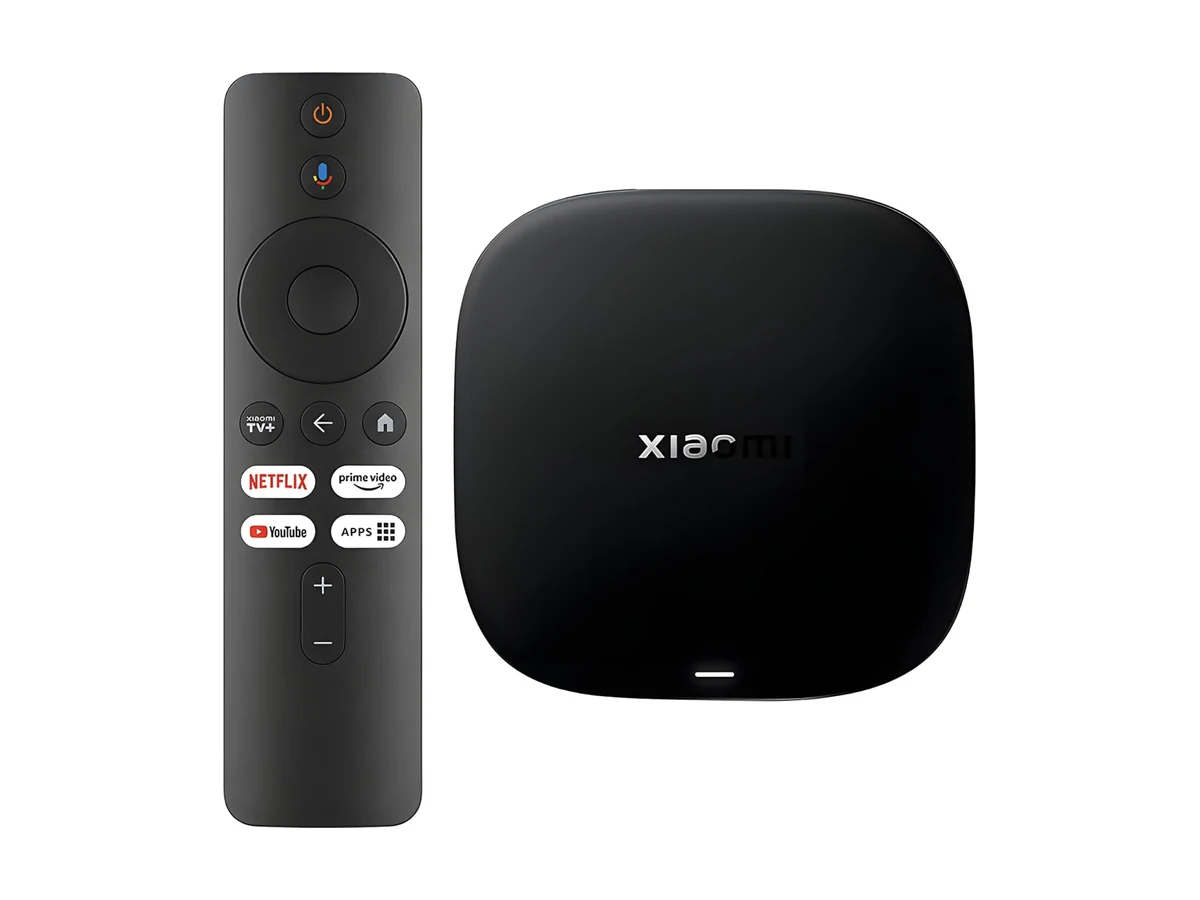
A small 4K Google TV box with 32 GB storage and Wi-Fi 6. A steadier choice than a stick if the board runs all day.
$95.99View on Amazon ↗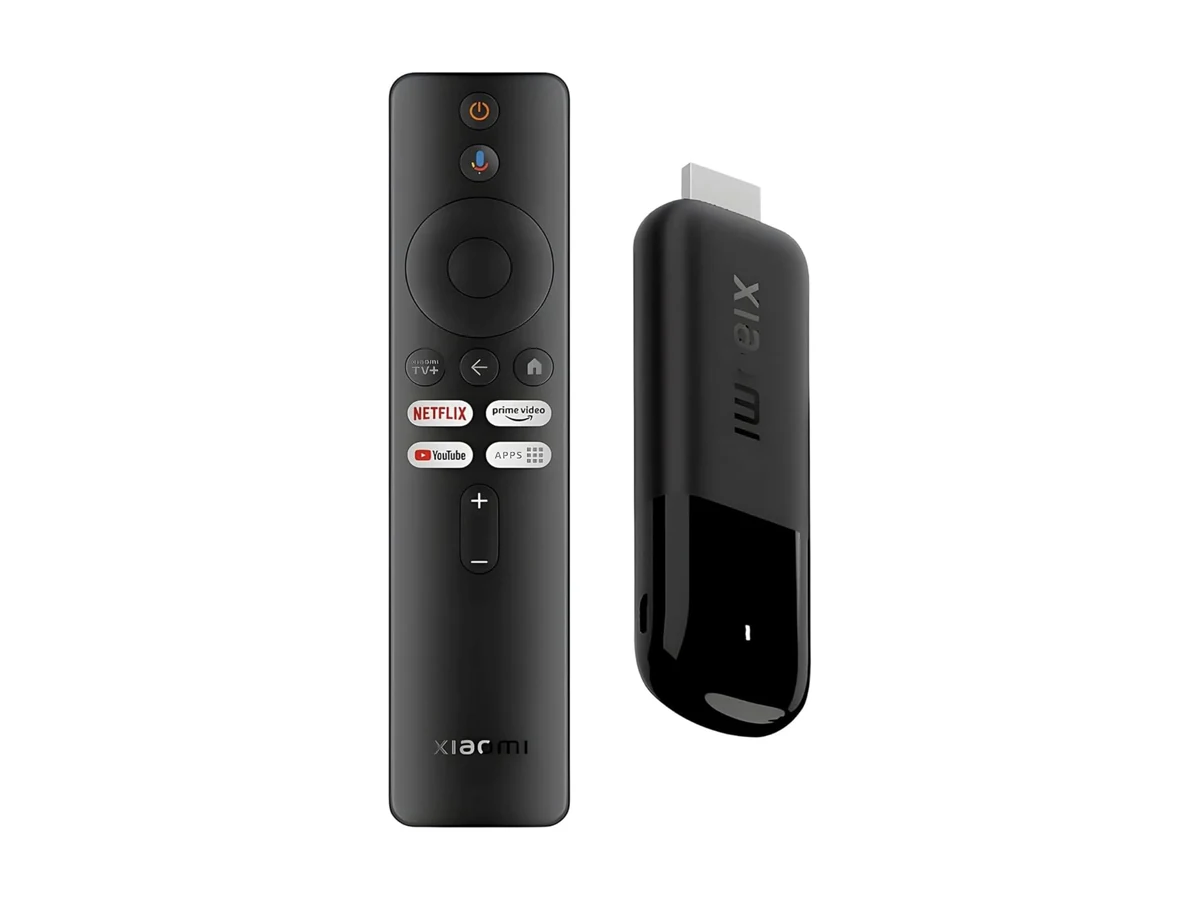
Plugs into the back of the TV with nothing on show. 4K with Wi-Fi 6 — good for a single board in a tight spot.
$82.99View on Amazon ↗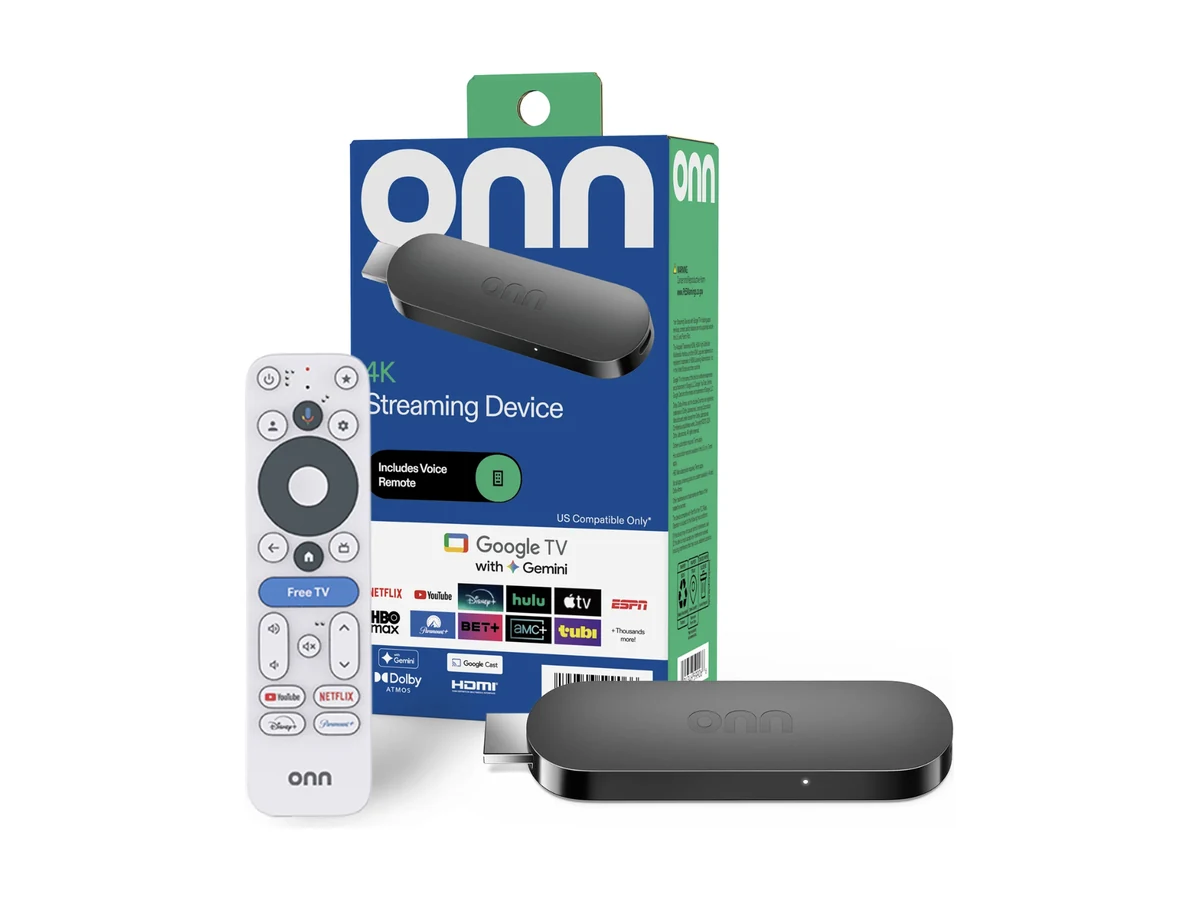
Walmart's own Google TV box — 4K with 8 GB storage and 2 GB RAM. Usually the cheapest way to get a board on the wall.
Around $30View at Walmart ↗Not sure which to get? We'll recommend one for your setup. Prices are approximate and vary by retailer.
Beyond the software, we can design your boards and get your screens on the wall — for a flat fee. Just ask and we'll quote it.
Short on time, or want a designer's eye? Send us your menu and we'll build polished, on-brand boards for you — ready to publish to your screens.
One-time design feeWe'll mount your TVs or monitors and set up the player on-site — screens hung, aligned and playing, with no ladder or installer to arrange yourself.
On-site service fee